
Keep it simple.
Build it better.
One place for the whole job: the quote, the schedule, what happens on site, every cost, the invoice, and whether the job made money. It replaces the spreadsheets and WhatsApp groups.
Book a demo
See a job go from quote to invoice, using the kind of work your firm does. Email us with your firm's name and how many people work for you.
- 01Email us to pick a time.
- 02We walk you through the system.
- 03If it fits, we set it up on site with you.
or email [email protected]
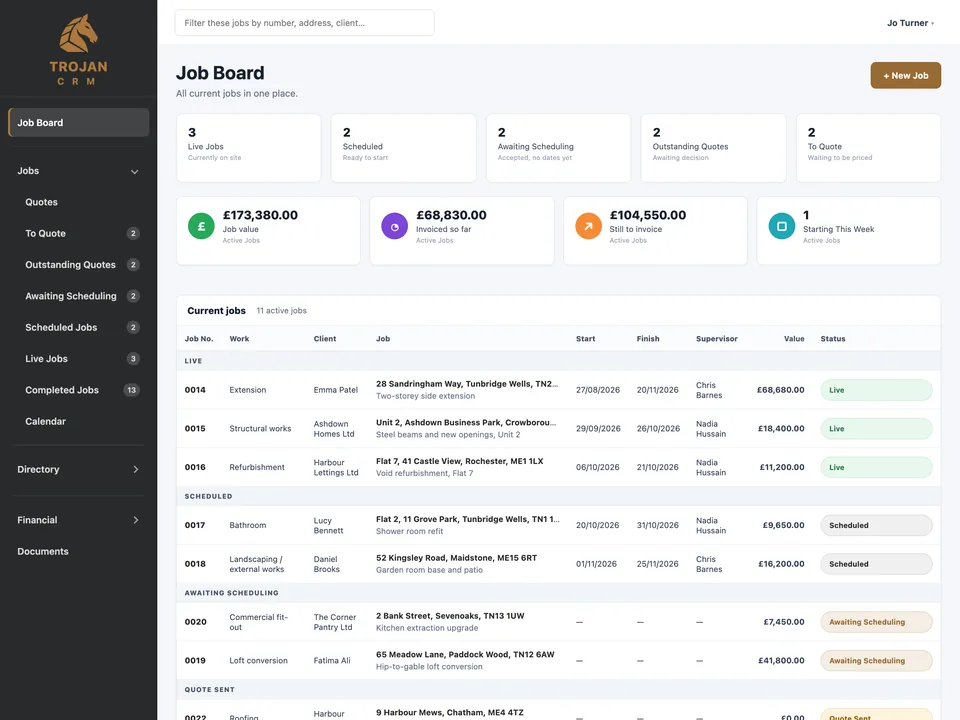
From enquiry to profit, in one place.
How it worksQuote
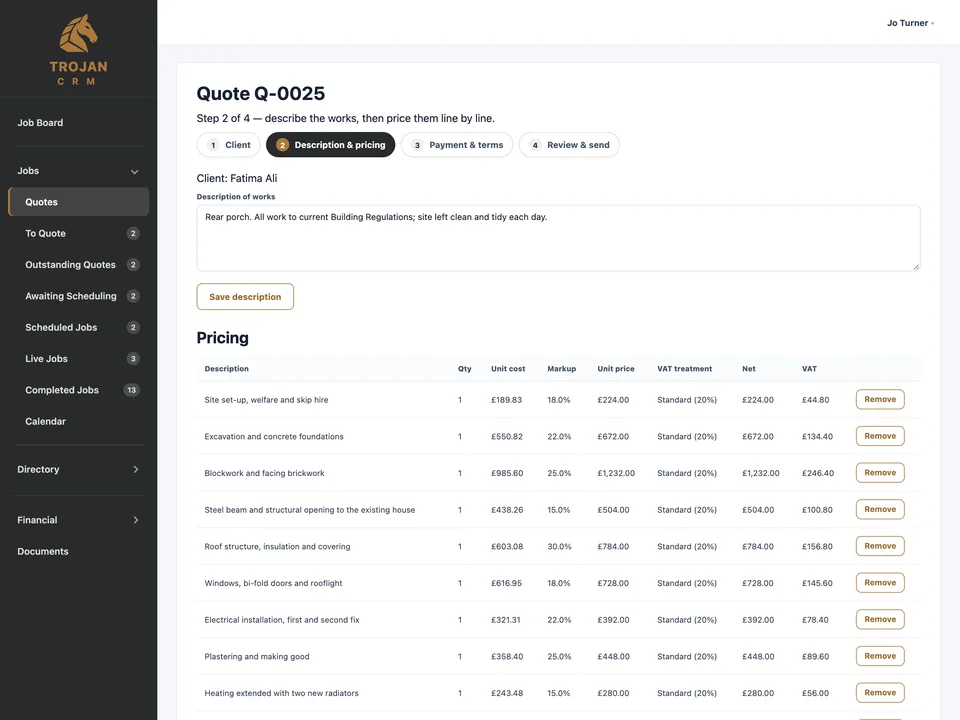
Price a job line by line with the right VAT, and send the quote as a PDF. When the customer accepts, the job is created with everything carried across.
Schedule
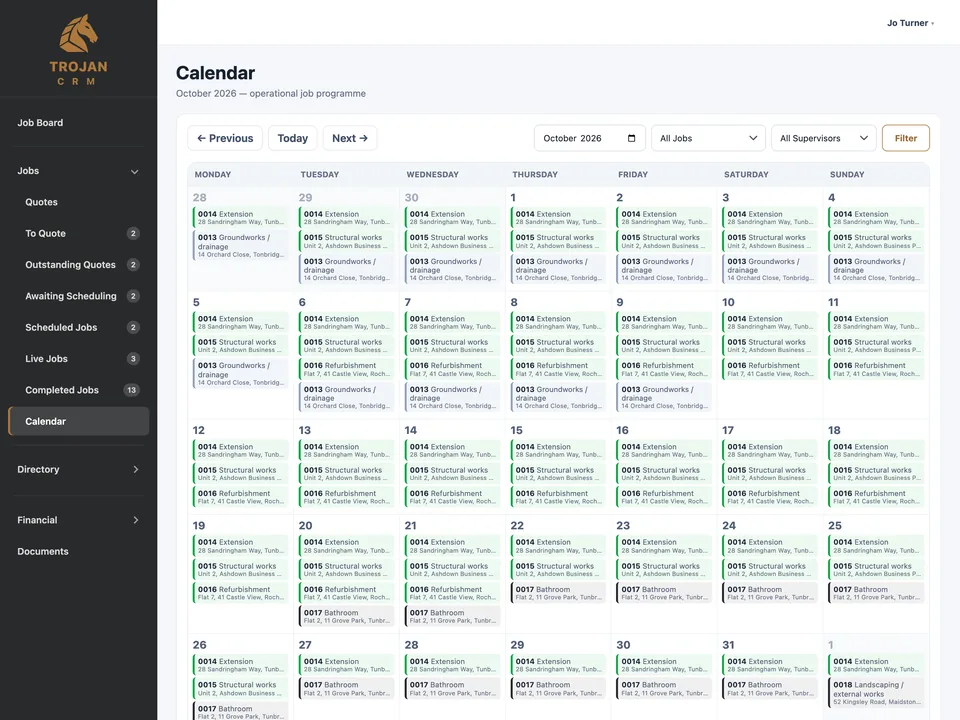
Every job, where it's up to: to quote, quote sent, awaiting scheduling, scheduled, live, complete. Jobs go live on their start date by themselves.
Track the costs
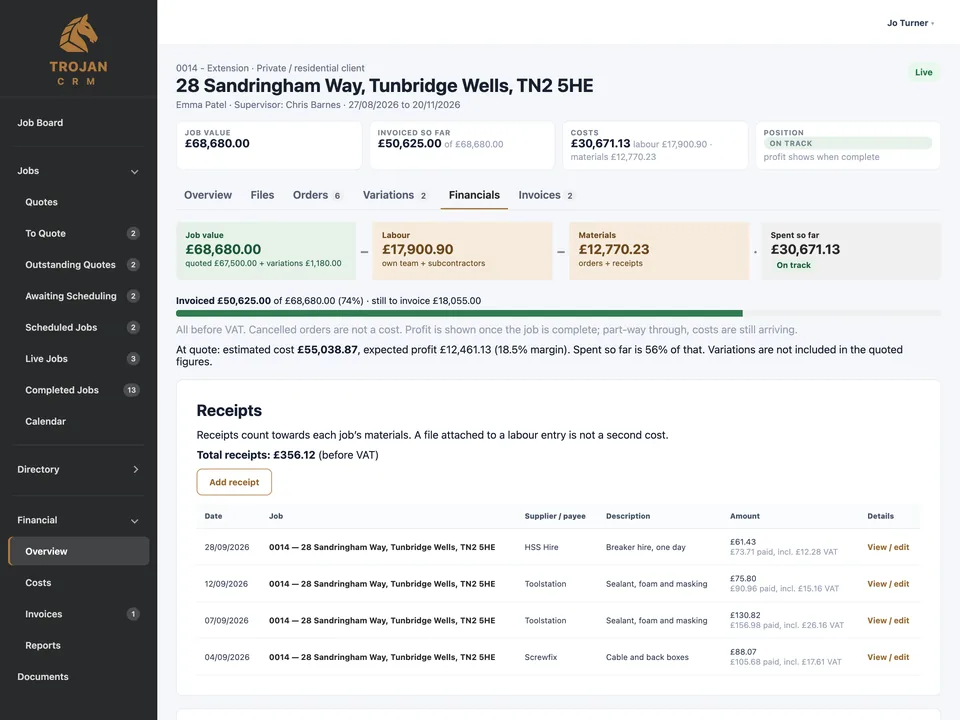
Job value, labour and materials, invoiced so far, and every receipt and day of labour behind them.
Invoice
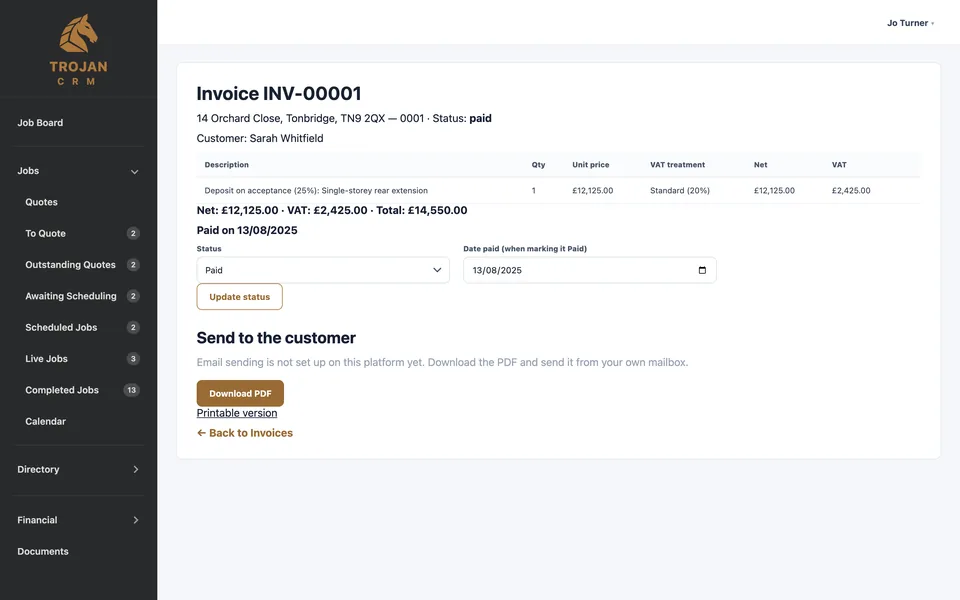
Completing a job drafts its invoice from the quote and approved extras. UK VAT handled, including the construction reverse charge. Download for Xero.
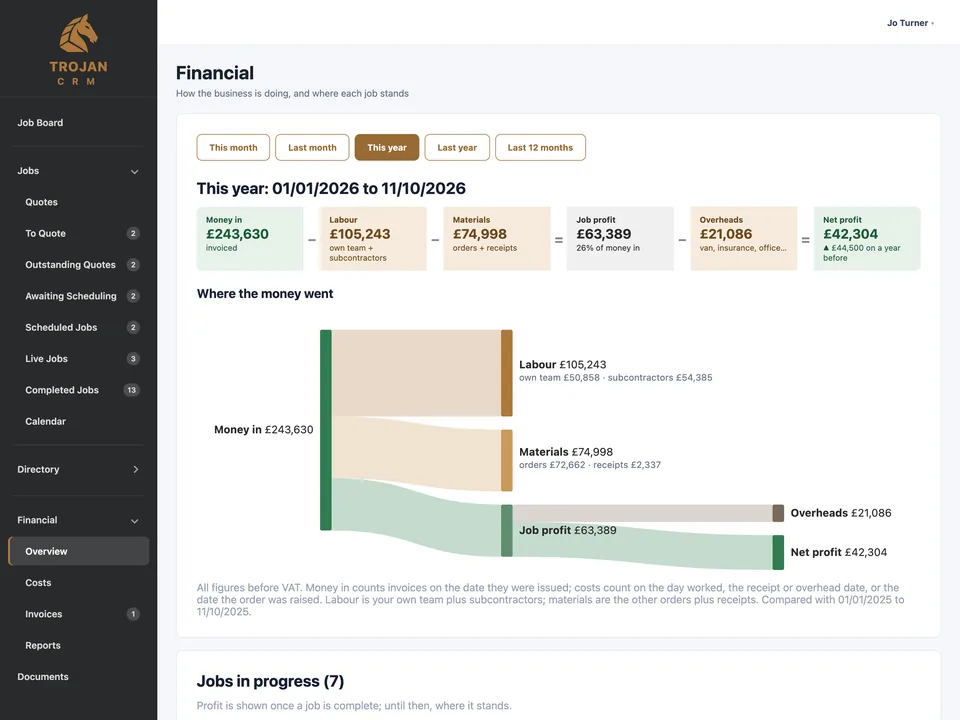
Know if a job made money.
Labour, materials, receipts and variations against the job's value, and profit once it's complete. Completed jobs ranked best to worst.
For any period: money in, labour, materials, overheads, profit. What customers owe and how late, and what work is coming.
Built for the phone on site.
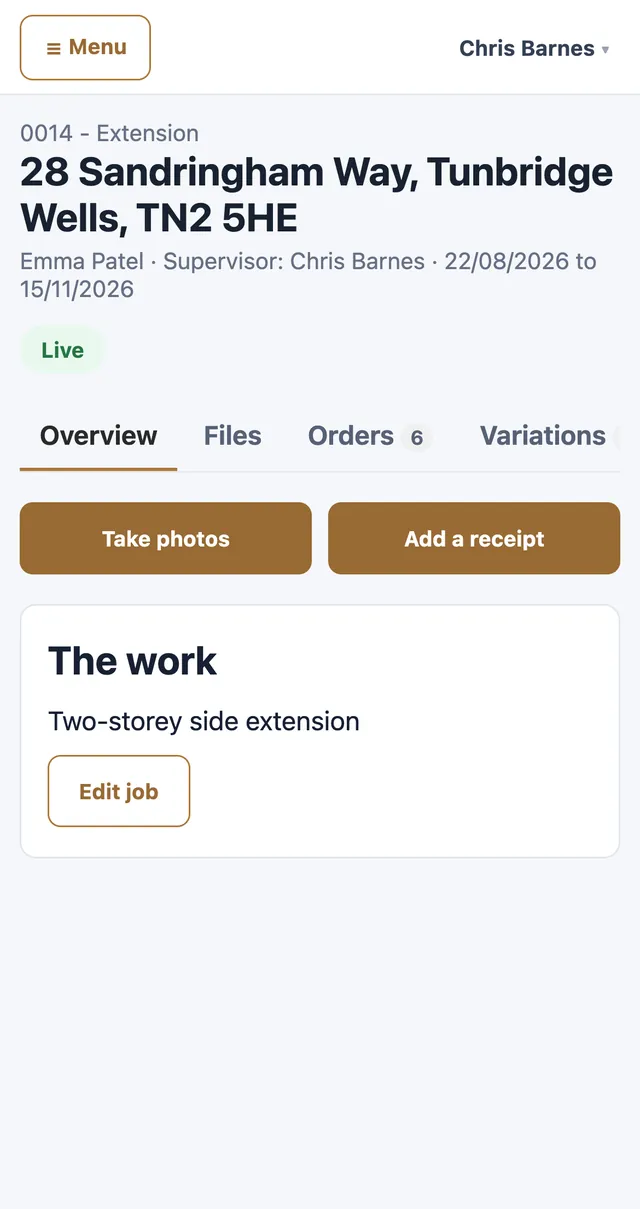
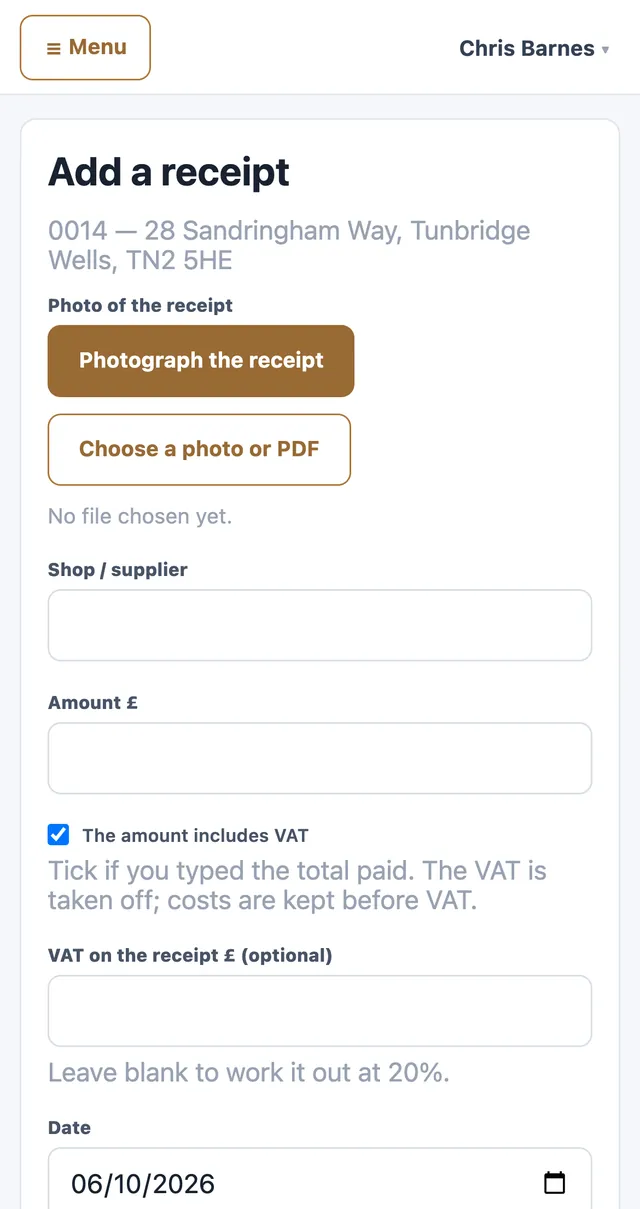
Supervisors see only their own jobs. Take photos straight from the camera and photograph receipts. No prices on their screen.
For the site team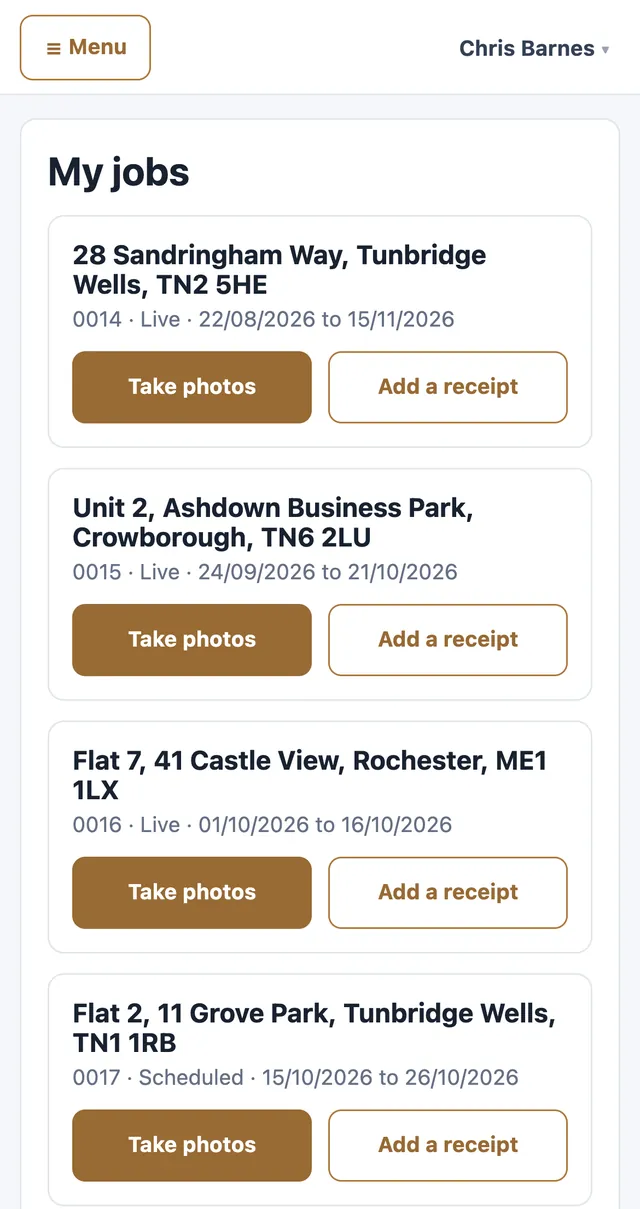

Priced per firm. Not per person.
Unlimited users
Office, admin and every site supervisor. Add people whenever you need to.
Simple bands by firm size
One flat annual fee for the firm. Taking on another supervisor costs nothing.
Everything included
The site side on the phone, and set-up done on site by us, are part of the fee.
The site side and set-up on site are included. Ask us which band your firm falls in.
Ask about pricingYour paperwork, your name
Quotes, invoices and orders carry the firm's own name, logo and colour, and replies go to the firm's own inbox.
Kept in the UK, kept apart
Hosted in London. Each firm gets its own separate database and its own email reputation; no firm can see another's data.
Admin, office and site roles
Set up as many people as the firm has, each seeing what their role needs.
Book a demo
We'll walk a job from quote to invoice, using the kind of work your firm does.
Book a demoQuestions about pricing, set-up or moving off spreadsheets. Tell us how many people work for you and we'll tell you your band.
Email us